by Josh | Nov 29, 2024 | Guides
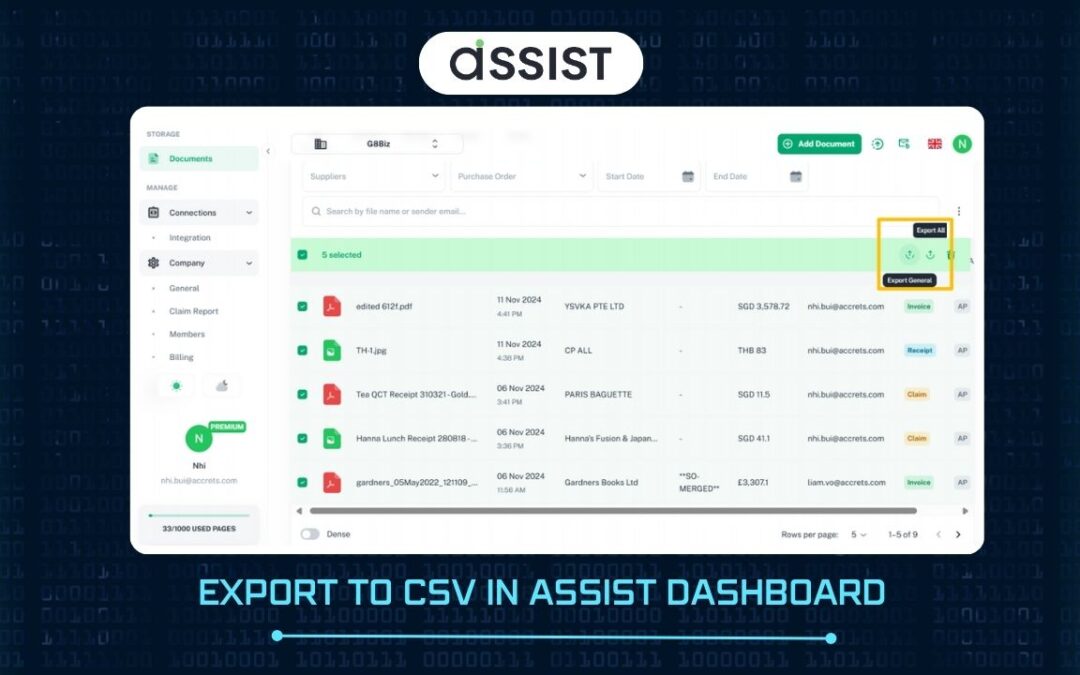
You can export yourdocument details to CSV. Go to thedocument list and select the documents that you want to export to CSV. On top right of document list, exportbutton will appear. Export All: Export all fields set up in your settings Export General: Export fields...
by Josh | Nov 29, 2024 | Guides
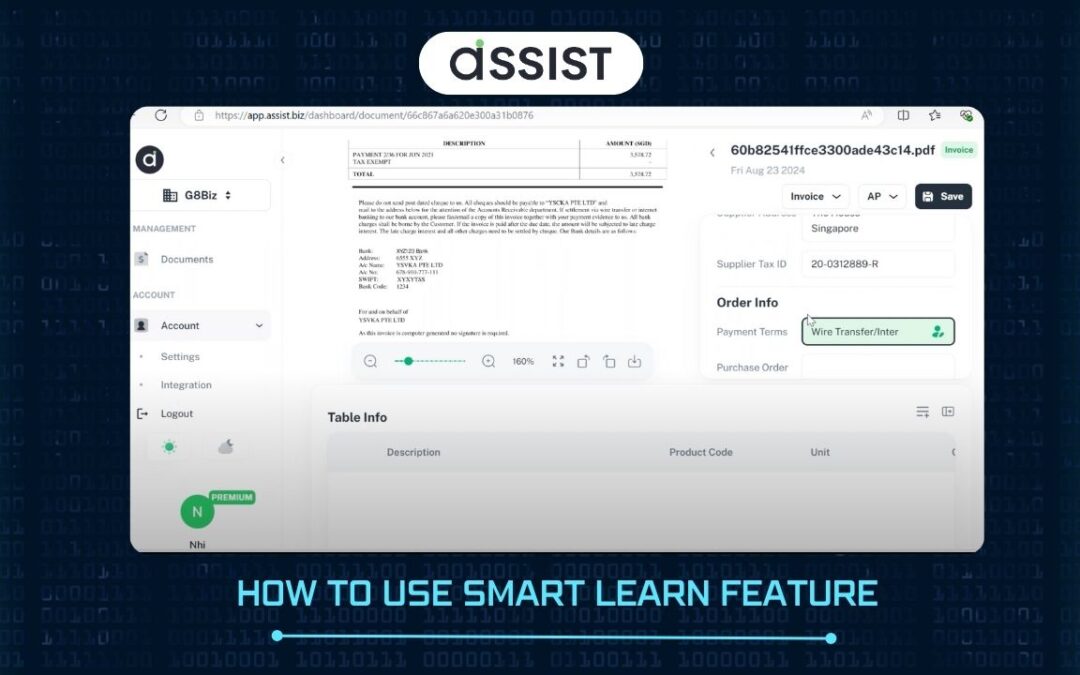
Learn from user’s correction. The Smart Learn feature is an AI-powered tool that enables ASSIST to learn and adapt based on the corrections you make. Each time you correct or adjust data within ASSIST, the system takes note and gradually “learns” your...
by Josh | Nov 29, 2024 | Guides
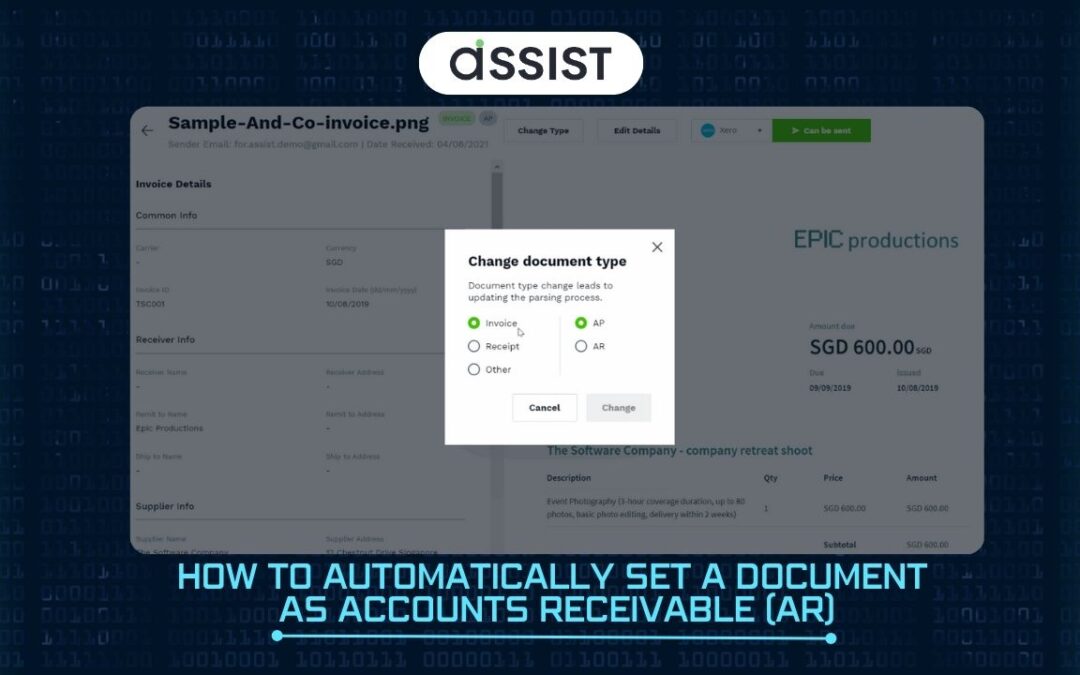
When your registered “Company Name” in ASSIST and “Supplier Name” in the invoice exactly matches, ASSIST will classify as AR. E.g. Company Name in ASSIST: ABC company Supplier Name in document: ABC company -> This document will be classified as Account Payable. If...
by Josh | Nov 29, 2024 | Guides
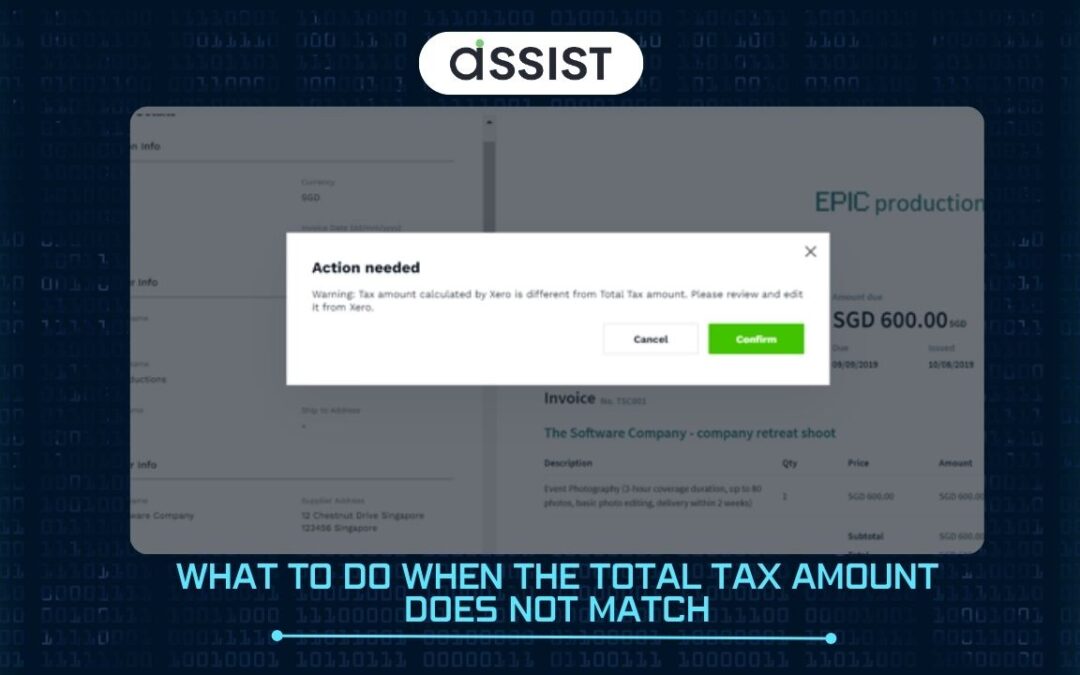
Total tax amount calculate by Xero and Total Tax amount from your original invoice may be different. This discrepancy may happened because Xero calculates tax on a line by line basis, so you may need to make an adjustment to match tax calculated on the transaction...
by Josh | Nov 29, 2024 | Guides
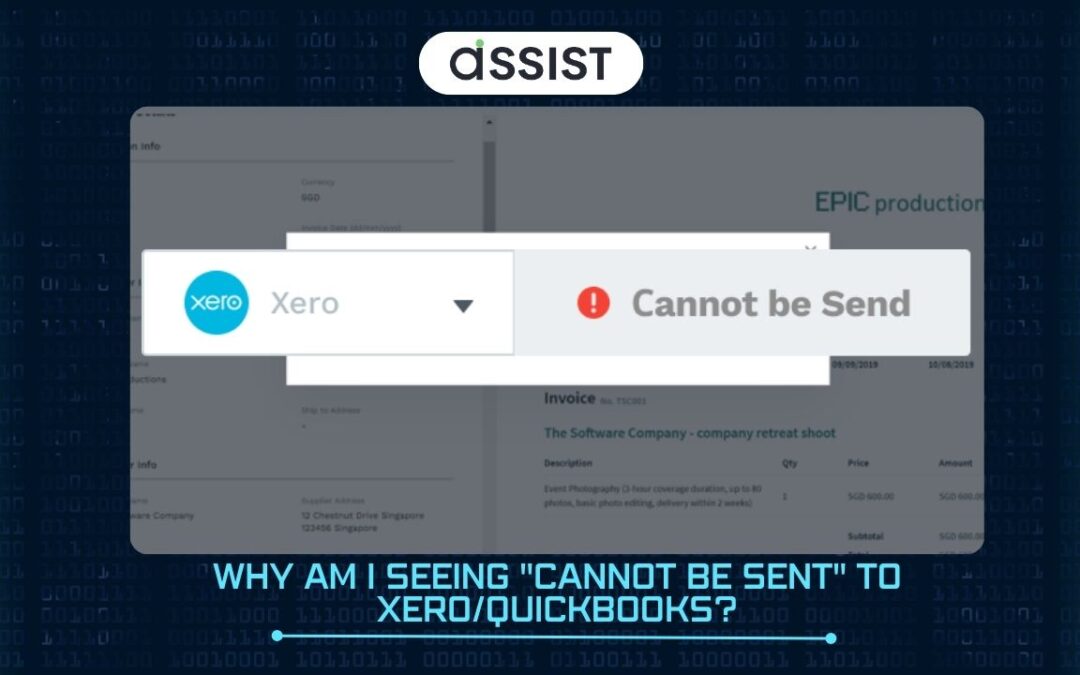
If you are seeing the status of “Cannot be send” from the document details page, it does not mean there is any technical error to send to Xero/QBO. This means there are some fields that you may need to edit the details to send the documents to Xero/QBO...
by Josh | Nov 29, 2024 | Guides
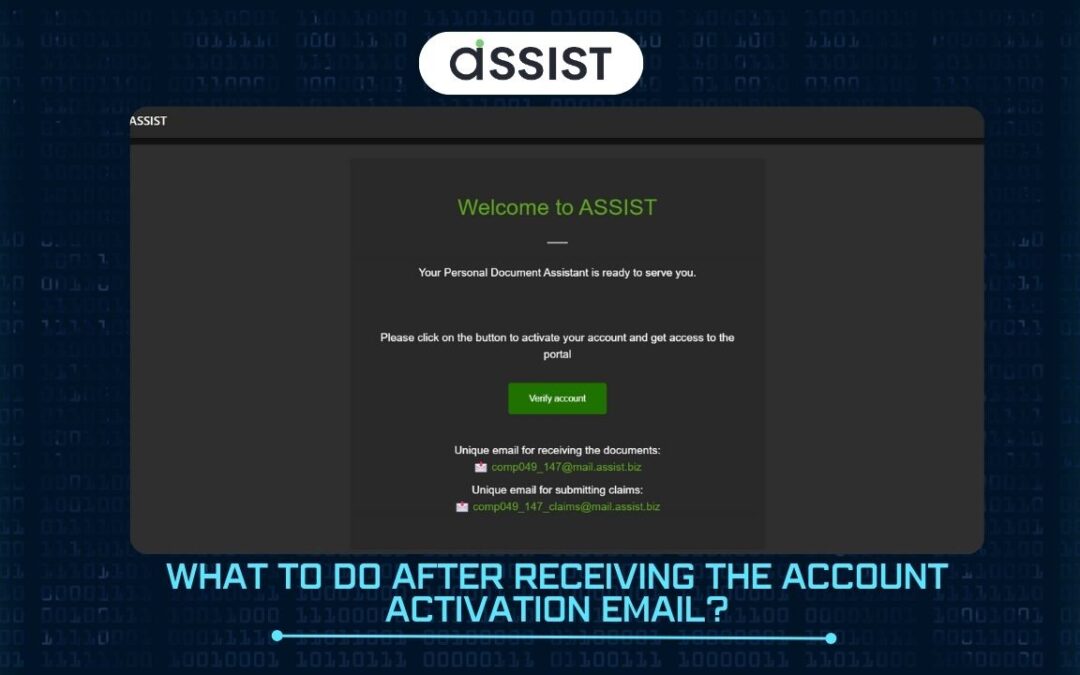
Please follow the steps below, once you have received account activation Email from us 1. You will receive an account activation Email from ASSIST. Email Subject: Welcome to ASSIST 2. Click on “Verify account” and you will be brought to a sign in page Sign In...