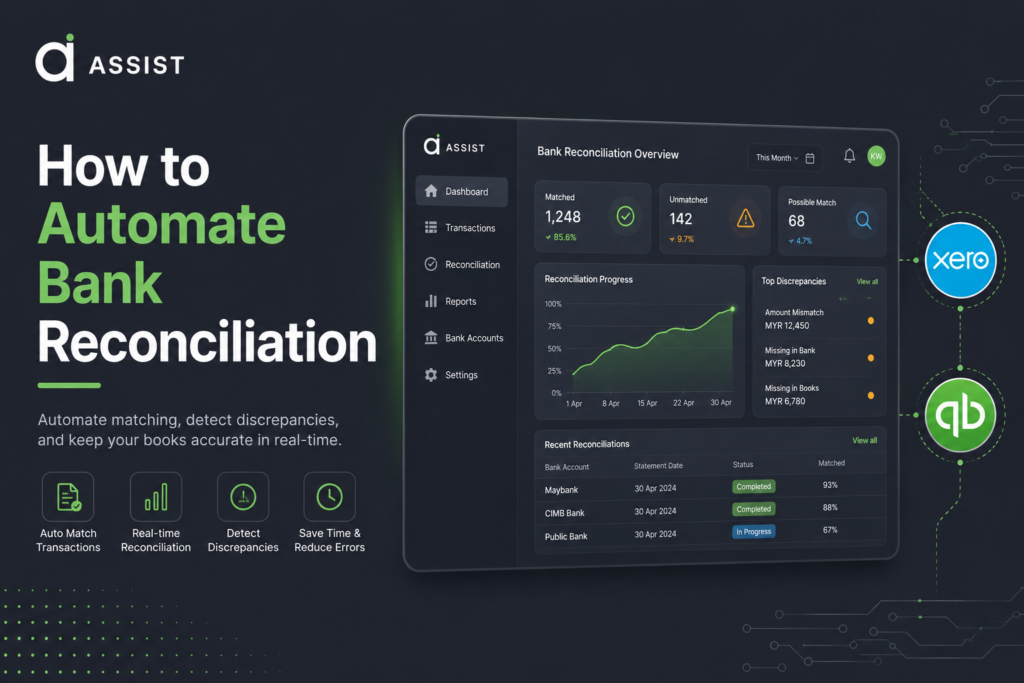







Automating Bank Reconciliation: The Short Answer
Automating bank reconciliation in Xero and QuickBooks involves connecting your bank accounts directly to your accounting software, importing transactions automatically, creating matching rules, and using AI-assisted recommendations to reconcile transactions faster.
For businesses in Malaysia and Singapore, automated bank reconciliation can significantly reduce manual bookkeeping work, improve accuracy, strengthen compliance, and provide real-time visibility into cash flow.
The real value is not just saving time. It’s creating a finance function that can scale as transaction volumes grow without requiring proportional increases in administrative effort.
Why Bank Reconciliation Still Consumes So Much Time
Despite advances in accounting technology, bank reconciliation remains one of the most labour-intensive finance processes for many SMEs.
A typical manual workflow often involves:
- Downloading bank statements
- Importing spreadsheets
- Matching transactions manually
- Investigating discrepancies
- Correcting data-entry errors
- Posting journal adjustments
- Preparing reconciliation reports
For growing businesses, these activities quickly become a bottleneck.
Organizations that already understand the importance of strong financial foundations, as discussed in this guide to bookkeeping and business growth, often find it easier to transition toward automation because their financial data is already structured and consistent.
Similarly, many finance leaders are adopting automated bookkeeping solutions to eliminate repetitive tasks and improve operational efficiency.
What Is Automated Bank Reconciliation?
Automated bank reconciliation is the process of matching bank transactions against accounting records using bank feeds, predefined rules, machine learning, and intelligent transaction categorization.
Instead of manually comparing transactions one by one, the system automatically:
- Imports bank transactions
- Matches payments to invoices
- Matches expenses to bills
- Categorizes recurring transactions
- Flags exceptions for review
- Updates accounting records
Modern accounting platforms can automate a significant percentage of reconciliation activities, allowing finance teams to focus on exceptions rather than routine transactions.
Businesses exploring broader automation strategies often begin by understanding how automated bookkeeping software supports business operations and where reconciliation fits within the larger finance ecosystem.
How Automated Bank Reconciliation Works in Xero
Xero has become one of the most widely used cloud accounting platforms across Asia-Pacific because of its strong bank-feed capabilities and automation features.
Step 1: Connect Your Bank Accounts
The first step is connecting your bank accounts directly to Xero through secure bank feeds.
Once connected, transactions flow automatically into the accounting system without requiring manual uploads.
Step 2: Enable Automatic Matching
Xero automatically compares incoming transactions against:
- Outstanding invoices
- Supplier bills
- Payroll records
- Existing accounting entries
The platform then recommends potential matches.
Step 3: Create Bank Rules
Recurring transactions can be categorized automatically using bank rules.
Examples include:
- Software subscriptions
- Telecommunications expenses
- Utility bills
- Rental payments
- Insurance premiums
- Merchant processing fees
Over time, these rules significantly reduce manual intervention.
Step 4: Review Exceptions
Transactions that cannot be matched automatically are flagged for review.
This exception-based workflow allows finance teams to focus only on unusual transactions rather than processing every entry manually.
Businesses seeking deeper workflow automation can also explore Xero integration capabilities that connect accounting data with document management and finance operations.
How Automated Bank Reconciliation Works in QuickBooks
QuickBooks offers a similar automation framework while providing flexibility for businesses that already rely on the broader QuickBooks ecosystem.
Connect Bank Feeds
Bank transactions are imported automatically from connected financial institutions.
Configure Categorization Rules
Recurring expenses can be assigned categories automatically based on transaction descriptions, vendors, or payment references.
Use AI-Assisted Matching
QuickBooks uses historical transaction data to recommend matches and improve categorization accuracy over time.
Review and Approve
Users validate suggested matches before completing the reconciliation process.
Organizations looking to streamline accounting workflows can benefit from understanding QuickBooks integration best practices and how automation can extend beyond bookkeeping.
For teams evaluating implementation approaches, it’s also useful to see how QuickBooks automation works in practice.
Xero vs QuickBooks for Bank Reconciliation
| Feature | Xero | QuickBooks |
|---|---|---|
| Bank Feeds | Yes | Yes |
| Automatic Matching | Yes | Yes |
| Rule-Based Categorization | Yes | Yes |
| Multi-Currency Support | Yes | Yes |
| AI Recommendations | Yes | Yes |
| Cloud-Based Access | Yes | Yes |
| APAC SME Adoption | Strong | Strong |
| Third-Party Integrations | Extensive | Extensive |
The reality is that both platforms provide strong reconciliation automation capabilities.
The better choice depends on:
- Existing systems
- Accountant preferences
- Reporting requirements
- Integration needs
- Regional compliance requirements
Common Reconciliation Challenges in Malaysia and Singapore
While automation solves many problems, businesses in Malaysia and Singapore face unique operational challenges.
Multi-Currency Transactions
Many businesses transact across borders.
Foreign exchange adjustments often require human review because exchange rate fluctuations can affect reconciliation accuracy.
High Transaction Volumes
E-commerce, retail, logistics, and professional services firms frequently process thousands of transactions monthly.
Automation becomes increasingly valuable as transaction volumes grow.
Compliance Requirements
Finance teams must maintain accurate records to support audits, tax reporting, and regulatory obligations.
In Malaysia, organizations preparing for digital tax compliance should stay informed about Malaysia’s e-Invoicing requirements.
In Singapore, businesses increasingly benefit from understanding InvoiceNow and digital invoicing initiatives.
Many organizations are also reviewing broader e-invoicing best practices as finance operations become more digitized.
Best Practices for Successful Reconciliation Automation
Automation works best when supported by strong finance processes.
Maintain Clean Data
Poor transaction descriptions and inconsistent coding reduce automation accuracy.
Create Detailed Rules
The more specific your rules, the better the matching performance.
Review Exceptions Regularly
Finance teams should review unmatched transactions promptly rather than allowing exceptions to accumulate.
Preserve Audit Trails
Every adjustment should remain traceable.
Organizations concerned about audit readiness can benefit from learning more about keeping business records and receipts audit-ready.
Implement Approval Controls
Automation should not eliminate oversight.
Strong governance often includes structured invoice approval workflows and financial controls.
Can Bank Reconciliation Be Fully Automated?
Not entirely.
While many routine transactions can be reconciled automatically, human expertise remains essential for:
- Fraud detection
- Foreign exchange adjustments
- Complex accounting scenarios
- Regulatory compliance reviews
- Exception management
The most successful organizations use automation to eliminate repetitive work while reserving expert judgment for higher-value financial decisions.
The Future of Bank Reconciliation: AI-Powered Finance Operations
Bank reconciliation is increasingly becoming part of a larger finance automation strategy.
Modern finance teams are combining:
- Automated reconciliation
- Invoice processing automation
- OCR document capture
- Accounts payable automation
- E-invoicing workflows
- AI-assisted bookkeeping
Businesses interested in broader transformation initiatives may want to explore how AI is changing accounting workflows and the growing role of intelligent automation.
Many organizations are also evaluating bookkeeping AI solutions that help improve financial visibility while reducing administrative workloads.
Across Malaysia, increasing adoption of AI-powered bookkeeping automation is enabling finance teams to scale operations more efficiently.
For a deeper understanding of where the industry is heading, finance leaders can review this comprehensive guide to AI bookkeeping, automation, and compliance.
Conclusion
Automated bank reconciliation has evolved from a productivity enhancement into a foundational capability for modern finance teams. Whether your business uses Xero or QuickBooks, automation can significantly reduce manual effort, improve financial accuracy, strengthen internal controls, and accelerate month-end closing processes. For organizations operating across Malaysia and Singapore, the ability to automate transaction matching while maintaining compliance and oversight creates a strong platform for sustainable growth.
As businesses move beyond basic accounting automation and begin building AI-driven finance operations, infrastructure readiness becomes increasingly important. Organizations exploring an AI-powered bookkeeping platform can benefit from solutions that connect accounting systems, document workflows, and compliance processes into a single ecosystem. To understand how prepared your organization is for the next stage of finance automation, you can see how the platform works or talk to an infrastructure specialist about AI readiness.