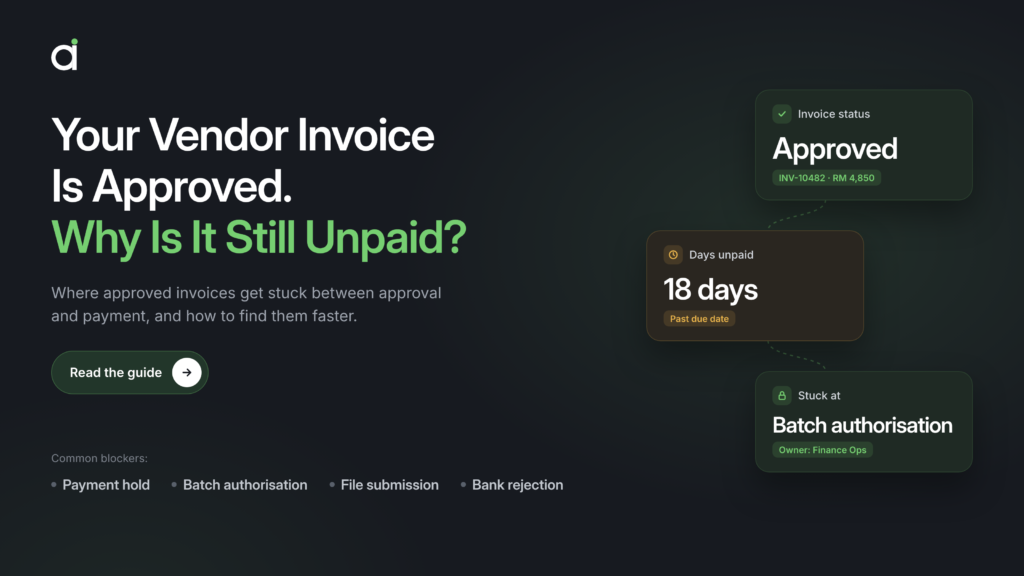





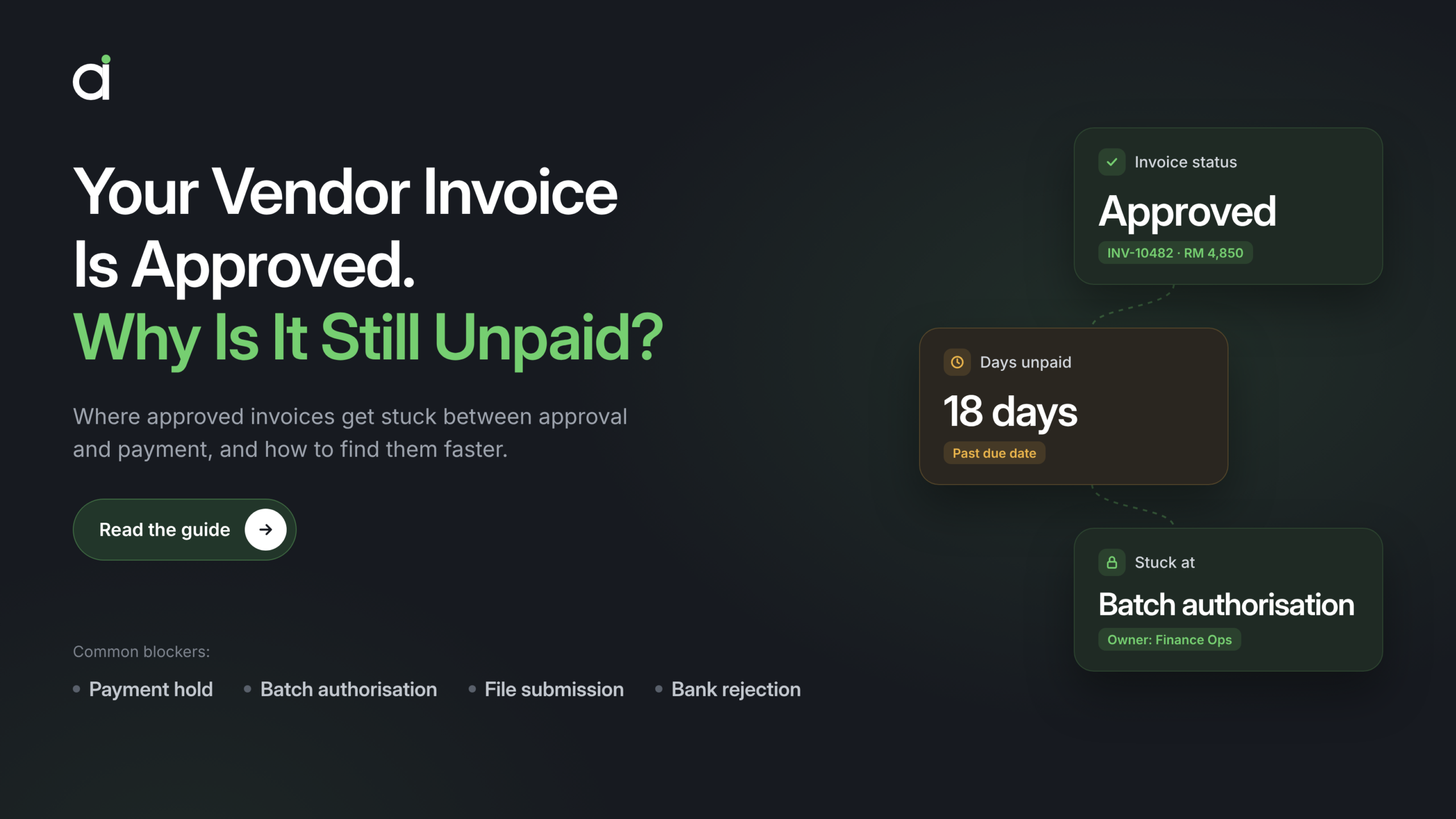

A maintenance supplier tells a Singapore manufacturer that an overdue invoice is holding up its next site visit. Accounts payable (AP) can see that the invoice was approved. Treasury can see that Friday’s payment batch went out. The supplier is still waiting.
Did this particular invoice make it into Friday’s batch? That’s the first thing to check. If it did, follow the individual transaction through to the bank. If it didn’t, the payment proposal and exception list can help explain why. In this illustrative case, AP starts with two records: the invoice’s due date and the proposal for Friday’s payment run.
What does “approved” mean in your payment workflow?
Start with what the status confirms in your ERP. An invoice may have cleared the business approval workflow while still facing a payment block or waiting for an eligible payment run. Once selected, the invoice can pass through another review at the batch level before a payment file is transmitted to the bank. Each stage answers a different question, from whether the business approved the cost to whether the bank processed the transaction.
If you’re investigating an approved invoice that’s still unpaid, compare the agreed payment terms with the due date recorded in the ERP. Then check the next planned run for the entity responsible for paying it. An invoice still within terms may be on schedule. If its due date falls before the next eligible run, AP needs time to investigate and arrange the next action. ERP selection rules can vary by configuration, so review the run criteria before assuming the invoice should appear in the next batch.
When mapping invoice approval workflows, define who owns the steps that follow approval as well. In a large group, a site manager may approve the cost, a shared services team may investigate an exception, and treasury may authorise the payment. A clear handoff tells each team which status or record should trigger its next action.
If your shared services team also handles employee expense claims, give claim reimbursements their own queue and escalation rules. When tracing a supplier payment, start with the vendor invoice and its payment run.
Four places an approved invoice can get stuck
1. The invoice never entered the payment run
Open the payment proposal and exception list for the paying entity. Check whether the invoice met the run’s selection criteria and whether an active block kept it out. SAP, for example, documents payment blocks that can be applied manually or triggered by invoice variances. Its payment program can also flag items with an invalid payment method or missing bank details. SAP payment program documentation
The exception determines who acts. A price variance may need procurement to review the purchase order. A quantity discrepancy may need the receiving team to verify the goods receipt. A bank detail exception may need the supplier master data team to verify and correct the record. AP should capture the exception reason and route it to the team that can resolve it.
2. The invoice was selected, but the file hasn’t reached the bank
Find the payment run ID and check the latest ERP status. Oracle Fusion, for instance, distinguishes proposed payments awaiting review from files that have failed validation, formatting, or transmission. A file can also be formatted and ready to send while it’s still in the ERP. Oracle Fusion invoice-to-pay documentation
Give payment operations the run ID and the specific status. If the proposed payments are awaiting review, identify the reviewer. If transmission failed, use the error record to establish where the handoff stopped. That gives AP enough information to tell the supplier whether the invoice is scheduled, still being processed internally, or waiting for a revised payment date.
3. The file reached the bank, but the payment is still pending
Check whether the batch has completed the required bank authorisation, then confirm the payment method and expected processing date. Cut-offs can differ even within the same corporate banking platform. DBS, for example, publishes different cut-offs for corporate GIRO and PayNow GIRO, while PayNow FAST operates around the clock. Use the schedule for the bank and service that handled the batch. DBS corporate payment cut-offs
For treasury teams supporting several entities, record when the file was submitted and when the required authorisation was completed. Those timestamps help explain why a batch the team expected to process on Friday may have a later processing date.
4. The batch went out, but the supplier still reports no payment
Look up the individual transaction in the bank’s records and review any return file. DBS, for example, uses the return file to flag unsuccessful bulk PayNow transactions when a beneficiary’s payment proxy is unregistered. The batch-level status gives treasury a starting point. The transaction-level record tells AP what happened to the supplier’s payment. DBS PayNow Corporate
Before retrying, establish what happened to the original transaction. If the bank shows it’s still processing, use that status to update the supplier. If the payment was returned, record the reason and resolve it before resubmitting through the usual authorisation process. Keep the bank transaction reference with the invoice and run ID so the next person can pick up the investigation.
How to trace one overdue invoice across AP and treasury
Back at the manufacturer, AP confirms the invoice is overdue and checks the correct paying entity. The invoice is missing from Friday’s payment proposal. The ERP shows an active block tied to a price variance, so AP sends the exception to the buyer who can verify the purchase order. The investigation stays with AP and procurement because the invoice never entered the batch. Once the buyer resolves the variance and the authorised team releases the block, AP confirms the next eligible run and updates the supplier.
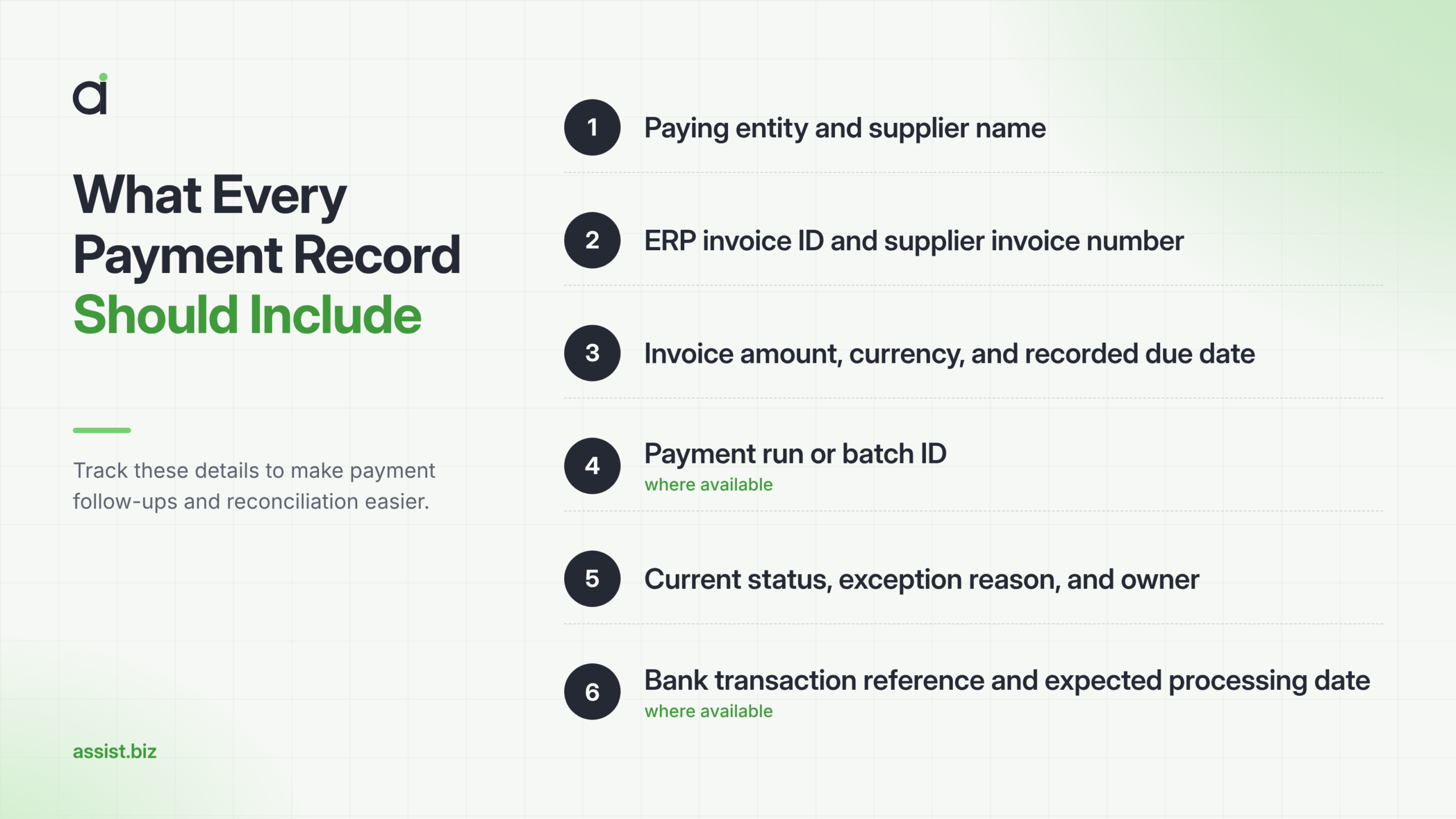
For a cross-team handoff, keep these details in one record:
If AP needs to verify what the supplier submitted, use the invoice document record to locate the source invoice and review its extracted details. Use the ERP and bank records to establish the payment status before replying to the supplier.
Be specific in the update. If the invoice is still on hold, say, “We found a payment hold and expect to confirm the next run on Tuesday.” If treasury has confirmed that the transaction is processing, share the expected date shown in the bank record.
In Singapore, the GST InvoiceNow requirement concerns the submission of invoice data to IRAS. If your team sees an InvoiceNow status alongside an ERP payment status, read each against the process it belongs to. The ERP payment record and bank transaction status are the records to use when tracing the funds. IRAS GST InvoiceNow guidance
Where vendor payment automation can prevent repeat delays
Start by flagging approved invoices that are due before the next eligible payment run and have no scheduled payment. If a manufacturer pays suppliers every Friday, a midweek report gives AP time to review invoices that need to go out in the upcoming batch. Set the alert window using the paying entity’s run calendar and the time teams typically need to resolve exceptions. Each alert should show the due date, the reason it was flagged, and who needs to act.
Map the data that flows from automated invoice processing into the accounting workflow. Then map what happens after approval. One batch can contain many payments, and one payment can cover several invoices. Finance and IT should agree on which identifiers carry across systems and how a bank response will be matched back to each invoice. Include a way to investigate records that fail to match, so those payments stay visible to the team.
When reviewing bookkeeping workflows for Singapore entities, document where invoice records are maintained and who reconciles them after payment. This matters in a group where a Singapore finance team and a regional shared services centre both work on the same supplier accounts. An invoice flagged as overdue needs one owner who can confirm the next action.
Automate exception routing as well as alerts. A payment file awaiting review should go to payment operations. A returned payment should reach someone who can check the bank response and coordinate the correction. A supplier bank-detail change should follow the company’s verification process. Keep payment release with the authorised team and record when each exception was cleared. That history shows which problems repeatedly send invoices back into the queue.
What finance leaders should measure after approval
An overall invoice processing time can hide a delay that starts after approval. When setting up financial performance reporting, agree on a few measures that show where invoices are waiting and which teams can act.
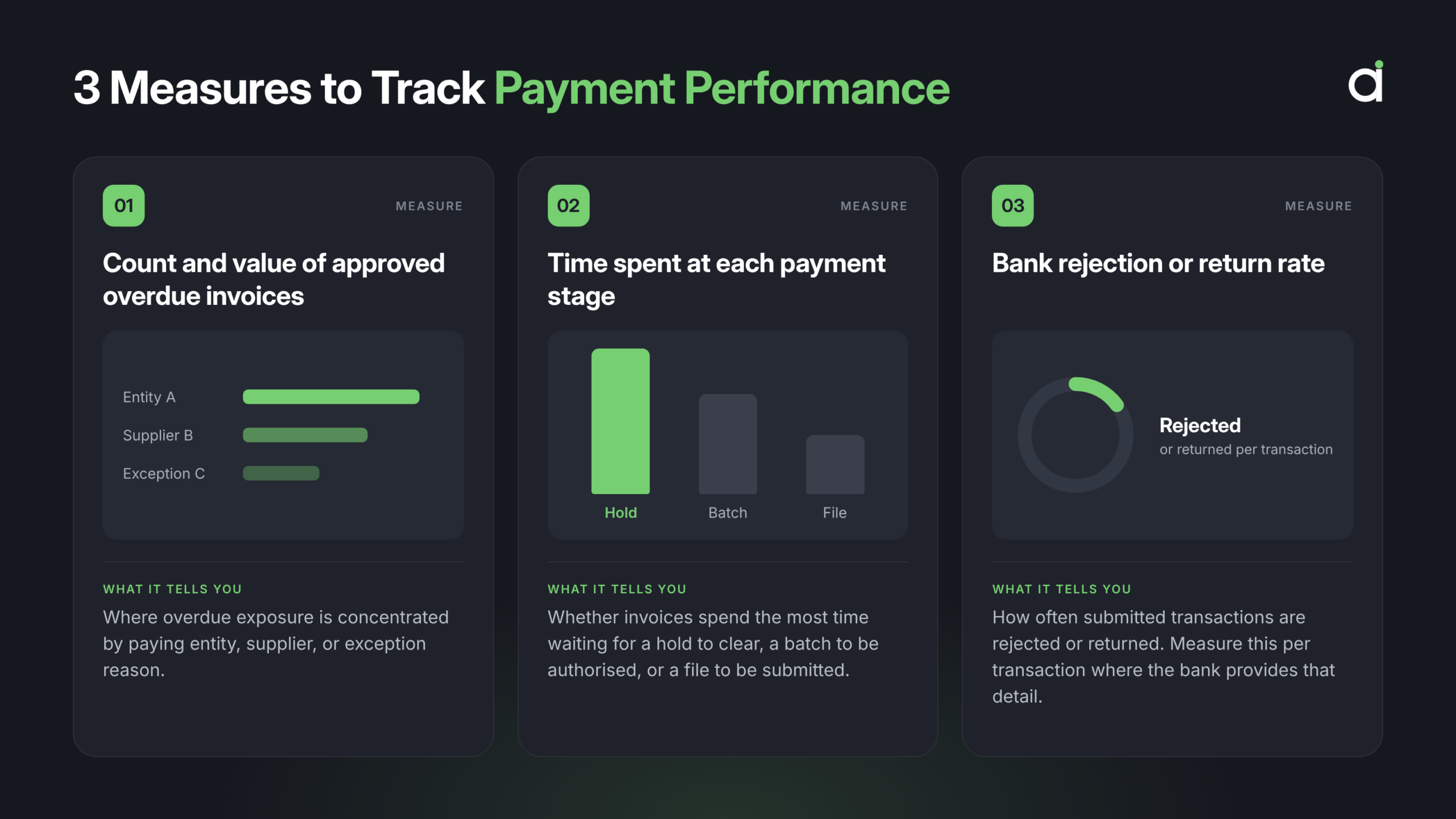
If price-variance blocks keep recurring, AP and procurement can review how purchase orders are maintained and who resolves discrepancies. If batches regularly reach the bank after the cut-off, treasury can review when files are prepared and when authorisers are available. Recording the reason for each delay helps finance assign the fix to the team responsible for that step.
Start with the last completed step
The next time a supplier asks about an approved invoice, identify the last step you can confirm and who owns the next one. That gives you a concrete update to share with the supplier and a record you can use to spot recurring payment delays.
If your finance team regularly has to piece together payment status across systems, bring one recent overdue invoice to a conversation with ASSIST. Talk to an infrastructure specialist about AI readiness and use that example to identify where better data, clearer ownership, or automation could help your team spot delays earlier.