






Document management helps accounting firms replace fragmented paper files with a controlled digital workflow for collecting, storing, finding, sharing and managing client records. For Singapore firms, the goal is not simply to scan documents. It is to create a consistent process that reduces manual handling and makes records easier to retrieve and control.
For many accounting firms, the paper problem does not arrive all at once. It builds gradually through client attachments, scanned receipts, printed statements, physical files and documents saved in different folders.
Eventually, staff know that a document exists, but finding it becomes a separate task.
That is where document management for accounting firms becomes more than a storage question. The real issue is how documents move through the practice from receipt to review, filing, retrieval and eventual retention.
Why paper-based document management creates friction for accounting firms
Paper creates work beyond the act of filing.
A document may arrive by email, get printed for review, be scanned again later, and then be stored in a physical client file. Another staff member may save a digital copy somewhere else. When the document is needed again, someone has to work out which version is current.
Common problems include:
- Staff spending time searching for client records.
- Duplicate copies of the same document.
- Repeated requests for documents the firm already holds.
- Difficulty accessing physical files when staff work remotely.
- Uncertainty about which document version is current.
- Manual scanning before documents can be shared digitally.
- Inconsistent filing practices between employees.
These problems become harder to manage as the practice grows.
A digital repository can remove some of the physical handling, but simply replacing filing cabinets with folders does not necessarily fix the underlying process. The firm still needs a consistent way to receive, classify, search, share and control documents.
What is document management for an accounting firm?
Document management is a system for organising, storing, retrieving, sharing and controlling digital documents throughout their lifecycle.
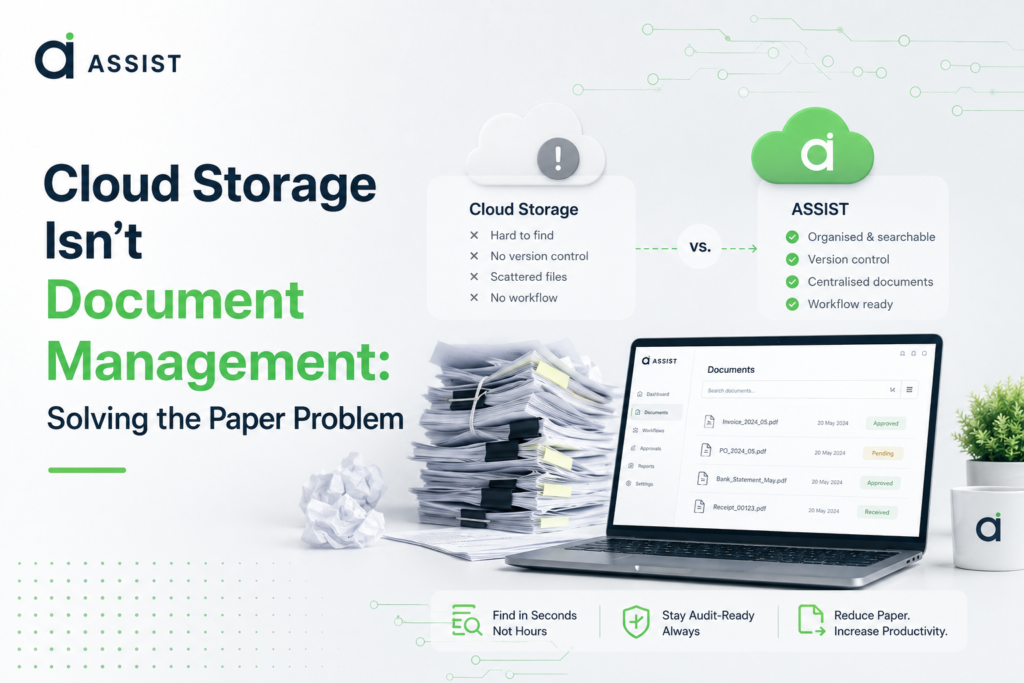
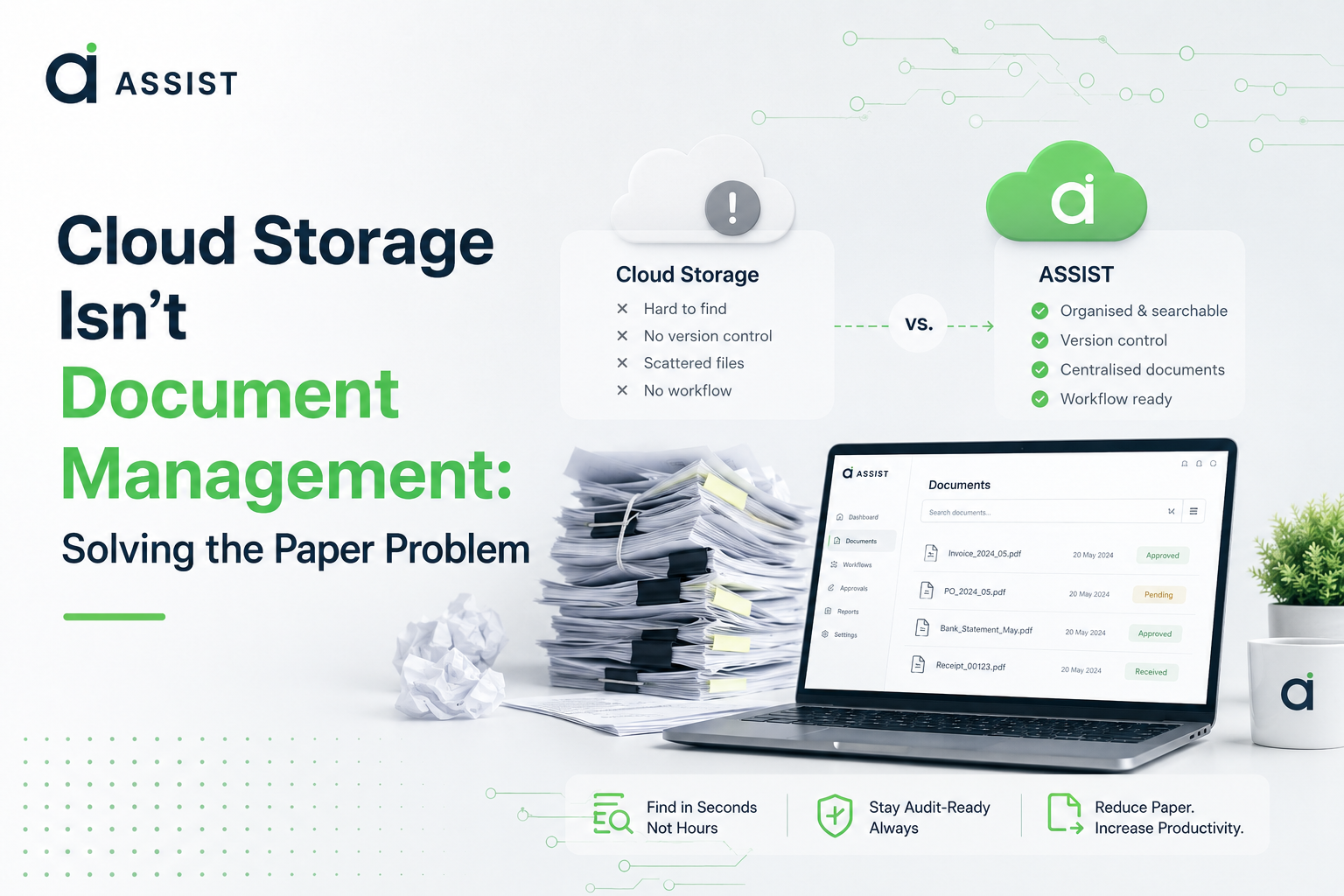
That makes it different from basic cloud storage.
Cloud storage provides a place to keep files. A document management system can add functions around those files, such as search, classification, version control, permissions and document activity tracking.
Consider a simple example. A staff member needs a client's supporting invoice from several months ago. With a paper filing system, the search may involve locating a physical file and checking its contents. With a structured digital system, the document can be located through searchable information and a consistent classification system.
The difference is not only where the document is stored. It is how the firm manages the document before and after storage.
For firms exploring a web-based document management system, that distinction is worth keeping in mind. The useful question is not simply whether documents can be stored online. It is whether the system makes the firm's document workflow easier to manage.
Which accounting workflows should be digitised first?
A paperless project does not need to begin with every file in the office. Start with the workflows that create repeated manual work.
Identify the documents staff handle repeatedly
List the documents that employees receive, process, review or retrieve most often. Depending on the firm's work, these may include invoices, receipts, statements and supporting records.
The purpose is to find where people repeatedly perform the same document-related tasks.
Separate active files from historical records
Active client records usually make a practical starting point because staff continue to work with them.
Historical records can then be addressed according to the firm's document-management and retention policies. There is little value in creating a large scanning project before deciding which documents actually need to be part of the active digital workflow.
Define the digital filing structure before scanning
Decide how documents will be classified before large-scale scanning begins.
The structure might use client, document type, accounting period or engagement. The right approach depends on how employees actually look for information.
A filing structure that makes sense to one person but not the rest of the team will recreate the same problem in digital form.
Capture documents as part of the normal intake process
The long-term goal is to stop the paper backlog from returning.
If new documents continue to arrive as paper and enter a manual filing process, the firm will end up maintaining two systems. A better workflow captures and classifies documents as part of normal document intake.
Make scanned documents searchable
Scanning creates a digital image, but an image is not necessarily searchable.
OCR is technology that recognises text in scanned or image-based documents so the content can become searchable or usable by other systems.
For accounting teams dealing with scanned records, a practical understanding of OCR and optical character recognition helps clarify what text recognition can and cannot do.
OCR can make documents easier to find, but it does not decide where every document belongs or determine who should have access to it.
Establish access and review rules
Digital records still need controls.
Decide who can view, edit, review or share different documents. Access should reflect employees' responsibilities and the sensitivity of client information.
Which document management features actually matter?
A long feature list does not tell an accounting firm whether a system will improve its workflow.
The better approach is to connect each capability to a specific operational problem.
| Accounting problem | Useful capability | Why it matters |
| Staff struggle to find documents | Search and indexing | Makes records easier to retrieve |
| Several versions exist | Version control | Helps identify the current document |
| Client information needs controlled access | Permissions | Limits access according to user roles |
| Staff need to know what happened to a file | Audit trail | Records document activity |
| Scanned files are difficult to search | OCR | Makes image-based text searchable |
| Clients submit documents through different channels | Client portal or workflow | Creates a more consistent intake process |
| Files are classified inconsistently | Document classification | Creates a predictable structure |
OCR is useful, but it is not the whole solution
OCR addresses one part of the document problem: recognising text.
A firm still needs to determine where the document belongs, who can access it, whether it needs review and how it will be found later.
The same principle applies to other features. Version control matters when multiple copies cause confusion. Permissions matter when different employees have different responsibilities. Search matters when a firm holds enough documents that browsing folders becomes inefficient.
The right system is therefore the one that fits the firm's workflow, rather than simply the one with the longest feature list.
Is cloud storage enough for an accounting firm's documents?
Cloud storage can be useful for basic file storage, but it does not automatically provide a complete document-management workflow.
| Capability | Paper files | Basic cloud storage | Accounting-focused document management |
| Centralised storage | Limited | Yes | Yes |
| Search | Manual | File-based | Document-focused |
| Version control | Manual | Varies | Common capability |
| Permissions | Physical controls | Available | Often more workflow-focused |
| Audit trail | Paper-based | Varies | Common capability |
| OCR | No | Depends on platform | Often available |
| Client document workflow | Manual | Basic sharing | May support dedicated workflows |
| Classification | Manual | Folder-based | More structured |
The distinction matters when deciding what problem the firm is actually trying to solve.
If files are scattered across individual computers, centralised cloud storage may address part of the problem. If the firm also struggles with document intake, classification, retrieval, permissions and version control, storage alone may leave much of the workflow unchanged.
Start with the process, then assess the technology.
What should Singapore accounting firms consider before going paperless?
For Singapore accounting firms, document management is both a technology decision and a records-management decision.
Client financial information should be handled with appropriate security and access controls. A digital filing process should also consider backup, recovery, user permissions and how documents are managed throughout their lifecycle.
Integration is another practical consideration.
A document workflow should not create another isolated system that employees have to maintain alongside their accounting software. Where appropriate, firms should assess whether their document processes can work with the accounting platforms already used by the practice.
Singapore's digital finance environment also means firms should think beyond simply scanning paper. Digital invoices and connected accounting workflows can change how documents enter the business in the first place.
Regulatory requirements need separate attention. If a firm's document policy includes statutory record-keeping, tax requirements or regulatory obligations, those requirements should be checked against current guidance from the relevant Singapore authority. A document-management recommendation should not be presented as a legal or regulatory requirement unless the appropriate source supports it.
How can an accounting firm migrate paper files without disrupting daily work?
Trying to digitize every paper file at once can turn a document-management project into a major operational distraction.
A controlled migration is easier to manage:
- Map the existing filing system and identify the biggest sources of friction.
- Separate active records from historical files.
- Define the digital filing structure before scanning.
- Start with high-use or high-volume documents.
- Check scanned documents for readability and correct classification.
- Set user permissions before the repository becomes widely used.
- Create a digital process for new documents so the paper backlog does not return.
- Review the workflow after the first phase and adjust the structure where staff repeatedly struggle to find records.
The most common mistake is treating scanning as the finished project.
It is not.
If an employee scans a paper document and places the resulting file into an inconsistent folder, the firm has simply moved the filing problem from a cabinet to a screen.
The better goal is a repeatable process from document receipt through classification, review, storage and retrieval.
How should an accounting firm choose document management software?
Software selection should come after the firm understands its workflow.
Before comparing platforms, ask:
- How quickly can staff find a client document?
- Can scanned documents be searched?
- Can documents be classified consistently?
- Can access be restricted by user or role?
- Is there a record of document activity?
- How will clients submit documents?
- Can the system work with existing accounting software?
- How will historical paper records be migrated?
- Can the system support additional users and clients as the practice grows?
- Will employees use the system without creating their own workarounds?
Integration deserves particular attention. A firm using Xero can assess how Xero integration fits its existing workflow.
Firms using QuickBooks can apply the same approach when assessing QuickBooks integration.
The objective is not to buy software with the most features. It is to remove unnecessary manual steps without creating new ones.
The paper problem is really a workflow problem
Moving an accounting firm away from paper is not just a scanning exercise. The larger change is replacing manual filing habits with a consistent process for receiving, classifying, storing, finding and controlling documents.
For Singapore accounting firms, that means starting with the workflow rather than the software. Once the firm understands where paper creates delays and where digital controls are needed, it becomes easier to assess which technology fits the practice. If you also want to assess how your document processes fit into a wider AI-readiness plan, you can talk to an infrastructure specialist about AI readiness.